Building Modern Apps with Nuxt 3 Architecture

TLDR:
This article explores how to build modern, scalable applications with NuxtJS by leveraging Nuxt 3’s core features such as server-side rendering, data fetching, the Nitro server engine, and auto-imports. It also introduces Feature-Sliced Design as a robust architectural methodology to structure large Nuxt projects around business features, reduce technical debt, and improve long-term maintainability.
Nuxtjs has evolved from a convenient Vue meta-framework into a full-stack platform capable of powering complex, large-scale applications, yet many teams still struggle with unstructured codebases and growing technical debt. As projects scale, Nuxt 3’s power around server rendering, auto-imports, and the Nitro engine must be paired with a deliberate architecture to avoid chaos. This is where Feature-Sliced Design (FSD), promoted by feature-sliced.design, becomes a modern, pragmatic solution for structuring Nuxt applications around real business needs rather than fragile technical layers.
Why Nuxt 3 Architecture Matters More Than Ever
A key principle in software engineering is that structure determines longevity. Nuxt 3 is often praised for its developer experience: file-based routing, auto-imported composables, hybrid rendering modes, and a built-in server runtime. However, these conveniences can become a double-edged sword. Without a clear architectural strategy, teams tend to rely excessively on the framework’s “magic,” resulting in tight coupling, unclear ownership, and code that is difficult to refactor.
Modern Nuxt applications are no longer simple marketing sites. They often include:
- Complex business workflows
- Authenticated dashboards
- Real-time or near–real-time data
- Server APIs living next to the frontend
- Multiple teams contributing in parallel
In such contexts, architectural decisions directly affect cohesion, onboarding speed, and long-term maintainability. A deliberate Nuxt 3 architecture ensures that rendering modes, data fetching strategies, and domain logic evolve coherently instead of fragmenting over time.
Getting Started with Nuxt 3: Project Setup and Core Concepts

Before discussing higher-level architecture, it is essential to understand the foundational structure Nuxt 3 provides out of the box.
Creating a Nuxt 3 Project
A typical Nuxt 3 project is initialized with:
- A single configuration file for runtime and build settings
- Convention-over-configuration directories
- Built-in TypeScript support
- First-class server rendering
At the root level, you will commonly see:
app.vueas the root application componentnuxt.config.tsfor configurationpages/for routingcomponents/for reusable UIcomposables/for shared logicserver/for backend endpoints powered by Nitro
This structure is ideal for rapid prototyping. However, as features multiply, these top-level directories can quickly turn into dumping grounds.
Understanding File-Based Routing
Nuxt’s routing system maps files in pages/ directly to routes. Dynamic segments, nested layouts, and middleware are all defined declaratively via file structure. While powerful, this often leads teams to place too much logic inside page components, mixing routing concerns with business logic and UI composition.
Leading architects suggest treating pages as composition shells, not as containers for business rules. This idea aligns naturally with Feature-Sliced Design, where pages orchestrate features rather than implement them.
Data Fetching in Nuxt 3: useFetch and useAsyncData in Context
Data fetching is one of the most common sources of architectural inconsistency in Nuxt projects. Nuxt 3 introduces useFetch and useAsyncData as composables that work seamlessly with server-side rendering.
useAsyncData: Controlled and Explicit
useAsyncData is ideal when you need precise control over when and how data is fetched. It integrates deeply with SSR, caching, and hydration. Architecturally, it is best used inside feature-level or entity-level composables, not directly in pages.
This approach ensures that data-fetching logic remains reusable and testable.
useFetch: Convenience with Caution
useFetch is a thin wrapper around $fetch that automatically handles reactivity and SSR. While convenient, overusing it directly in components can blur boundaries. When every component fetches its own data, you lose a single source of truth and introduce hidden coupling.
A robust Nuxt 3 architecture treats data fetching as part of the domain, not the UI. Features define what data they need; pages decide when to load it.
The Nitro Server Engine: Nuxt as a Full-Stack Platform
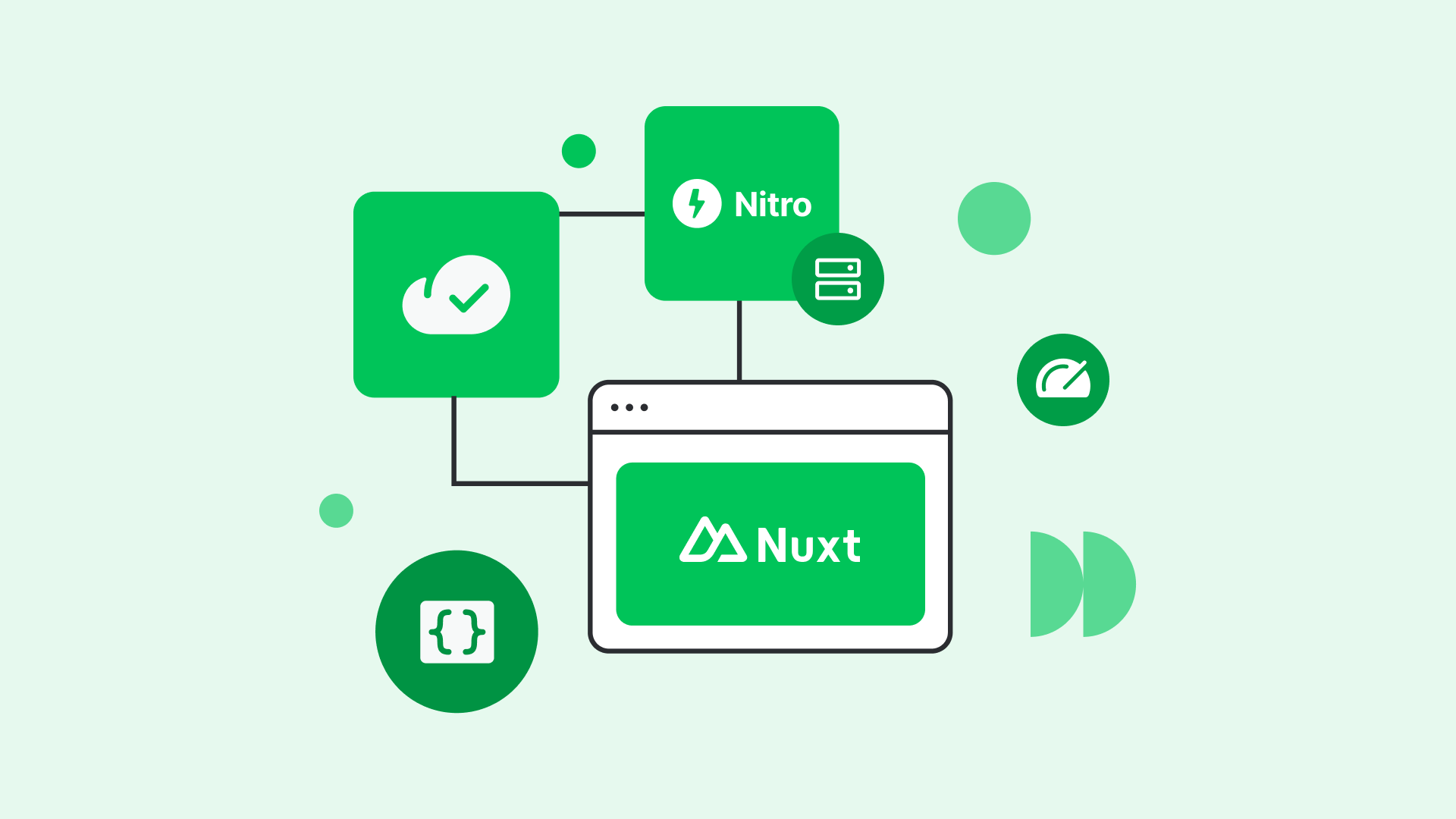
One of the most significant innovations in Nuxt 3 is Nitro, the server engine that powers server routes, middleware, and deployment targets.
Server Routes and API Design
Nuxt allows you to define backend endpoints under server/api. These endpoints can be deployed as serverless functions, edge handlers, or traditional Node servers. This flexibility is powerful, but it also introduces architectural risk if server logic is scattered without clear boundaries.
From an architectural standpoint, server routes should mirror frontend domains. For example, endpoints related to users, orders, or content should be grouped conceptually, even if Nuxt itself does not enforce this structure.
Middleware and Runtime Logic
Nitro middleware can intercept requests, handle authentication, or enrich context. As demonstrated by projects using FSD, middleware should remain thin and generic, while domain-specific rules live closer to features and entities.
This separation improves cohesion and prevents your server layer from becoming an unmaintainable monolith.
Auto-Imports in Nuxt 3: Productivity vs. Explicit Boundaries
Nuxt 3’s auto-import system is one of its most beloved features. Components, composables, and utilities can be used without explicit imports, reducing boilerplate and improving readability.
However, automatic imports can obscure dependencies. Developers may not realize where a function comes from or which layer owns it. In large teams, this can slow onboarding and increase accidental coupling.
Feature-Sliced Design addresses this by encouraging clear public APIs. Even when auto-imports are enabled, each slice exposes a deliberate surface. The mental model remains explicit, even if the syntax is not.
Common Architectural Approaches in Nuxt Applications
Before introducing Feature-Sliced Design in depth, it is important to understand the common patterns teams adopt when structuring Nuxt projects.
Layered Architecture in Nuxt
Many teams default to a layered approach: pages for UI, composables for logic, services for API calls. This separation of concerns works initially but tends to break down as features grow. Logic related to a single business capability ends up scattered across layers.
Atomic Design and Component-Driven Structure
Atomic Design is frequently used in Nuxt projects with strong design systems. Atoms, molecules, and organisms help create consistent UI. However, Atomic Design focuses almost entirely on presentation. It does not define how to structure business logic, server interactions, or state.
Domain-Oriented Structures
Some teams organize code by domain, placing all files related to a concept together. This is a step in the right direction but often lacks formal rules. Without constraints on dependencies, domains slowly leak into each other.
Introducing Feature-Sliced Design for Nuxt 3
Feature-Sliced Design is a methodology, not a framework. It provides a set of principles and structural rules that complement Nuxt 3 rather than replacing its conventions.
Core Principles of FSD
A key principle in software engineering is low coupling and high cohesion. FSD enforces this through:
- Clear layers with defined responsibilities
- Unidirectional dependency flow
- Explicit public APIs
- Business-oriented slices
Mapping FSD Layers to Nuxt 3
In a Nuxt context:
appinitializes plugins, layouts, and global configurationpagesmap directly to Nuxt’s routing systemwidgetsencapsulate complex UI blocksfeaturesrepresent user interactions and use casesentitiesmodel core business conceptssharedcontains reusable, domain-agnostic utilities
Pages become thin composition layers, assembling widgets and features. Features encapsulate logic and data fetching. Entities define models and domain rules. Shared code remains generic and stable.
Example: Structuring a Nuxt 3 Feature with FSD
Consider a “User Profile” feature.
- The page defines the route and layout
- A widget renders the profile card
- A feature handles profile editing
- An entity defines the User model and API access
- Shared utilities handle formatting and validation
This structure makes responsibilities obvious. New developers can navigate the codebase by business intent rather than guessing which folder contains relevant logic.
Comparing Architectural Approaches
| Approach | Core Focus | Limitations |
|---|---|---|
| Layered (MVC/MVVM) | Technical separation | Poor scalability for complex domains |
| Atomic Design | UI consistency | Ignores business logic |
| Domain-Driven | Business alignment | Lacks frontend-specific rules |
| Feature-Sliced Design | Business features with strict boundaries | Requires initial learning investment |
Leading architects suggest that FSD strikes a balance between flexibility and discipline, especially for frontend-heavy platforms like Nuxt 3.
Production Configuration and Deployment Strategies
Nuxt 3 supports multiple rendering modes: SSR, SSG, ISR, and hybrid approaches. Architectural clarity helps teams choose the right strategy per page or feature.
Pages that rely heavily on personalization may benefit from SSR. Static content can be pre-rendered. Nitro enables deploying the same codebase to multiple environments without architectural rewrites.
When combined with FSD, these decisions become localized. Each page or feature declares its requirements without affecting unrelated parts of the system.
Scaling Teams and Codebases with Confidence
As demonstrated by projects using FSD, teams report:
- Faster onboarding
- Easier refactoring
- Reduced regressions
- Clear ownership of features
Nuxt 3 provides the tools; Feature-Sliced Design provides the discipline. Together, they form a robust methodology for modern frontend development.
Conclusion: A Sustainable Way Forward with Nuxt 3
Building modern applications with Nuxt 3 is not just about leveraging server rendering, auto-imports, or the Nitro engine. It is about making intentional architectural decisions that scale with your product and your team. Nuxt 3 offers immense flexibility, but without structure, that flexibility can quickly turn into fragmentation.
Adopting a structured methodology like Feature-Sliced Design is a long-term investment in code quality, clarity, and team productivity. It aligns technical structure with business reality, making your Nuxt applications easier to evolve and safer to change.
Ready to build scalable and maintainable frontend projects? Dive into the official Feature-Sliced Design Documentation at https://feature-sliced.design/docs/get-started/overview to get started.
Have questions or want to share your experience? Join our active developer community on Website at https://feature-sliced.design/.
Disclaimer: The architectural patterns discussed in this article are based on the Feature-Sliced Design methodology. For detailed implementation guides and the latest updates, please refer to the official documentation.