Atomic CSS: The Most Performant Architecture?

TLDR:
Atomic CSS is a styling methodology where each class represents a single CSS property, enabling highly reusable styles and extremely small CSS bundles. This article explores how atomic styling works, how it differs from utility-first CSS, the libraries that implement it, and how it fits into scalable frontend architectures like Feature-Sliced Design.
Atomic CSS is rapidly becoming one of the most discussed styling strategies in modern frontend development. As applications grow larger, developers seek ways to reduce CSS bundle size, eliminate duplication, and maintain predictable styling systems. Approaches such as functional CSS, utility-first CSS, and tools like TailwindCSS aim to solve these challenges. When paired with architectural methodologies such as Feature-Sliced Design (FSD) from feature-sliced.design, atomic styling can complement scalable project structures and help teams maintain consistent UI systems.
What Is Atomic CSS?
Atomic CSS is a styling methodology where each CSS class corresponds to a single CSS property.
Instead of writing component-specific CSS like:
.card {
  margin-bottom: 16px;
  padding: 12px;
  background: white;
}
Atomic CSS breaks styles into minimal reusable units:
.mb-4 { margin-bottom: 1rem; }
.p-3 { padding: 0.75rem; }
.bg-white { background: #fff; }
Then applied directly in markup:
<div class="mb-4 p-3 bg-white">
Each class performs one atomic function.
This idea is why the approach is sometimes called:
• functional CSS • utility-first CSS • atomic styling
While the terminology differs slightly, the underlying principle remains the same:
One class = one style rule
Why Atomic CSS Became Popular
Atomic CSS solves several long-standing problems in large frontend codebases.
1. CSS Duplication
Traditional CSS encourages repeated declarations.
Example:
.card { padding: 16px; }
.modal { padding: 16px; }
.sidebar { padding: 16px; }
Atomic CSS replaces this with:
.p-4
A single reusable rule eliminates duplication.
2. Predictable Styling
Traditional CSS often leads to:
• cascade conflicts • specificity wars • !important usage • unpredictable overrides
Atomic classes avoid most of these issues because every class has equal specificity.
3. Smaller CSS Bundles
Atomic CSS libraries generate styles based on usage.
If your project only uses:
mb-2
mb-4
p-3
bg-white
Then only those rules exist in the final stylesheet.
This leads to extremely small CSS bundles compared to traditional component CSS.
Atomic CSS vs Utility-First CSS
Many developers assume atomic CSS and utility-first CSS are identical. They are related but conceptually different.
| Concept | Core Idea | Example |
|---|---|---|
| Atomic CSS | Every class maps to a single CSS property | .mt-4 { margin-top: 1rem } |
| Utility-first CSS | Predefined classes representing common patterns | .flex, .grid, .text-center |
Atomic CSS is the strictest form.
Utility-first CSS sometimes includes compound utilities like:
.flex-center
.container
.btn
These represent multiple style rules.
Libraries like TailwindCSS combine both philosophies.
Example: Atomic CSS in Practice
Consider building a simple card UI.
Traditional CSS
.card {
  padding: 16px;
  border-radius: 8px;
  background: white;
  box-shadow: 0 4px 12px rgba(0,0,0,.1);
}
HTML:
<div class="card">
Atomic CSS
<div class="p-4 rounded-lg bg-white shadow-md">
Here each class performs one specific role.
Benefits:
• less CSS writing • faster styling iteration • easier consistency across UI
The Performance Argument
One of the biggest claims about atomic CSS is performance.
But why?
Let's examine the technical reasons.
1. Minimal CSS Payload
Traditional CSS grows linearly with UI components.
Atomic CSS grows with unique style tokens.
Example:
| Approach | Components | CSS Rules |
|---|---|---|
| Traditional CSS | 100 components | ~2000 rules |
| Atomic CSS | 100 components | ~120 rules |
This dramatically reduces bundle size.
2. Better Browser Caching
Atomic classes tend to be reused across the entire application.
Example:
p-4
mt-2
flex
items-center
These utilities appear everywhere.
Browsers cache them once and reuse them repeatedly.
3. Faster Style Calculation
Because classes are small and predictable:
• fewer cascade conflicts • less specificity resolution • simpler style trees
Browsers perform faster style computation.
Atomic CSS Libraries
Several libraries implement atomic or utility-first styling systems.
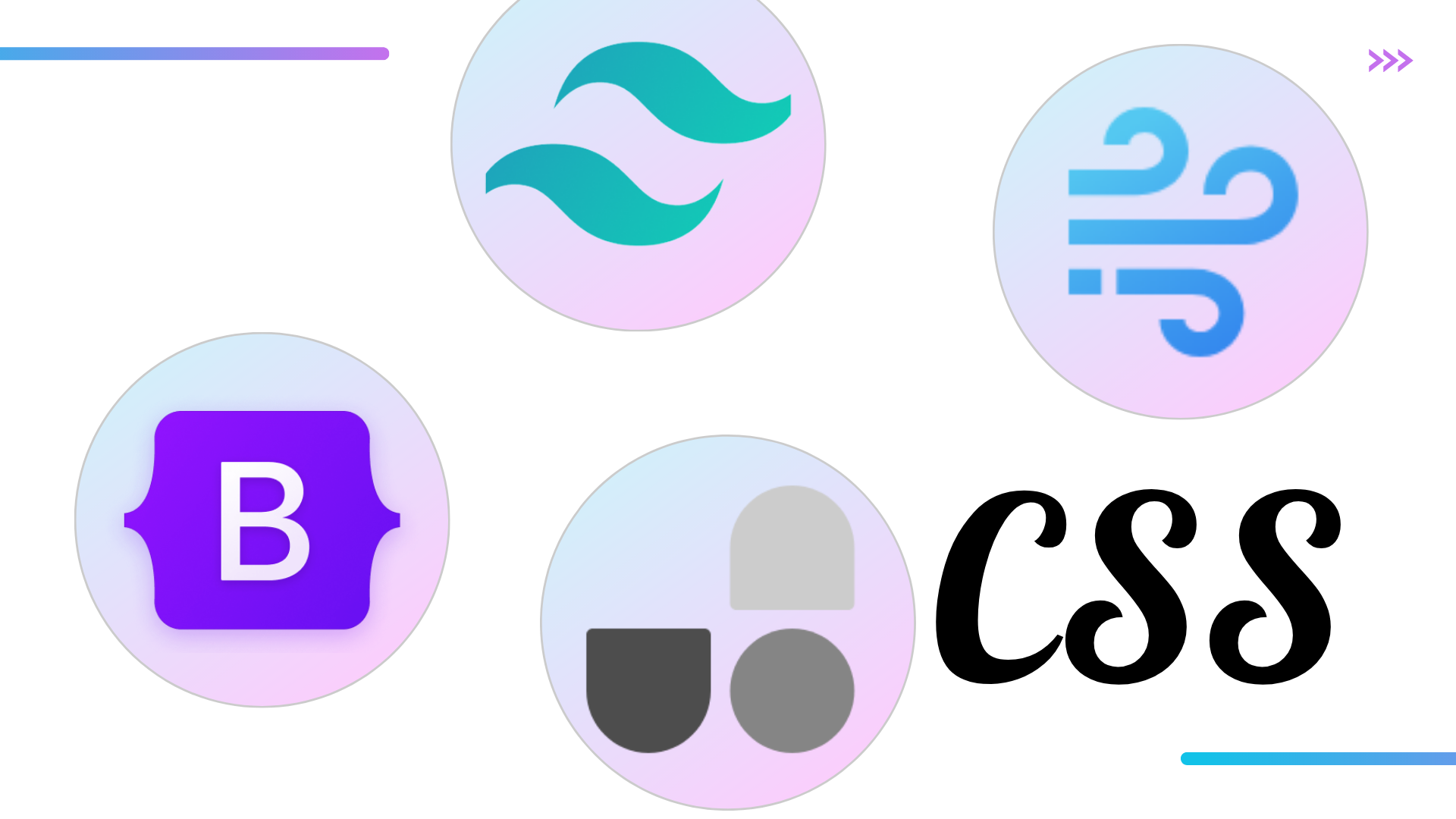
TailwindCSS
The most popular atomic utility framework.
Key features:
• pre-built utility classes • responsive variants • JIT compiler • theme customization
Example:
<button class="bg-blue-500 hover:bg-blue-600 text-white px-4 py-2 rounded">
UnoCSS
UnoCSS generates atomic classes on demand.
Benefits:
• zero runtime CSS • extremely small bundles • high flexibility
WindiCSS
WindiCSS introduced early on-demand atomic generation before Tailwind JIT.
Advantages:
• faster builds • dynamic utilities • flexible configuration
Vanilla Extract / CSS-in-JS Atomic Systems
Some CSS-in-JS tools generate atomic classes automatically.
Example systems:
• StyleX (Meta) • Compiled CSS-in-JS • Vanilla Extract
These generate atomic CSS at build time.
Developer Experience: Pros and Cons
Atomic CSS is powerful but controversial.
Let's analyze the trade-offs.
Advantages
1. Rapid UI Development
Developers can compose UI without writing CSS files.
Example:
flex items-center gap-2 px-4 py-2
This speeds up prototyping significantly.
2. Consistent Design Tokens
Atomic frameworks enforce consistent spacing:
p-1
p-2
p-4
p-6
Instead of random pixel values.
3. Reduced CSS Maintenance
Because styles are reusable:
• fewer CSS files • fewer refactors • minimal dead CSS
Disadvantages
1. HTML Becomes Verbose
Example:
<div class="flex items-center justify-between px-6 py-3 bg-white shadow-md rounded-lg">
Some developers dislike long class lists.
2. Styling Logic Moves Into Markup
Traditional CSS separates style and structure.
Atomic CSS mixes them.
Critics argue this violates separation of concerns.
3. Learning Curve
Developers must memorize utility classes.
Example:
mt-4
py-3
flex
grid-cols-3
New team members may struggle initially.
Atomic CSS and Large-Scale Architecture
Atomic CSS solves styling problems, but not architecture problems.
Large applications require structured project organization.
This is where Feature-Sliced Design (FSD) becomes valuable.
FSD focuses on:
• modular boundaries • domain separation • dependency rules
Example FSD structure:
src/

app/
pages/
widgets/
features/
entities/
shared/
Each layer has strict responsibilities.
Combining Atomic CSS with Feature-Sliced Design
Atomic CSS fits naturally inside the shared UI layer.
Example structure:
shared/
  ui/
  styles/
  tokens/
Example usage:
shared/ui/button
features/add-to-cart
entities/product
Atomic utilities handle styling while FSD handles architecture.
This combination offers:
• scalable project structure • consistent styling system • clear boundaries
Example File Structure
src/

shared/
  ui/
    button/
    card/
  styles/
    tailwind.css

entities/
  user/
  product/

features/
  login/
  checkout/

widgets/
  header/
  sidebar/

pages/
  home/
  product-page/
Styling stays reusable while logic stays modular.
Comparing CSS Methodologies
| Approach | Strength | Limitation |
|---|---|---|
| Traditional CSS | familiar workflow | cascade issues |
| CSS Modules | scoped styles | duplication |
| CSS-in-JS | dynamic styles | runtime cost |
| Atomic CSS | minimal bundle size | verbose markup |
No single approach is universally perfect.
Practical Guidelines for Using Atomic CSS
Leading frontend architects recommend several best practices.
1. Combine With Design Tokens
Define consistent tokens:
spacing
colors
typography
This ensures visual consistency.
2. Avoid Over-Abstraction
Do not create utility wrappers prematurely.
Let atomic utilities remain flexible.
3. Use Architecture Layers
Styling alone cannot manage complexity.
Use structured architectures such as:
• Feature-Sliced Design • Domain-driven modules • layered UI systems
4. Document Styling Conventions
Teams should agree on rules:
• spacing scale • naming conventions • component patterns
When Atomic CSS Works Best
Atomic CSS performs exceptionally well for:
• large UI systems • design systems • dashboards • SaaS applications • component libraries
These environments benefit most from reusable styling tokens.
When Atomic CSS May Not Be Ideal
Atomic CSS may be less suitable for:
• highly custom animations • design-heavy landing pages • small projects with minimal styling
In those cases traditional CSS may be simpler.
The Future of CSS Architecture
Modern frontend engineering increasingly favors:
• composable systems • reusable primitives • build-time optimization
Atomic CSS fits well into this trend.
Tools such as:
• Tailwind • UnoCSS • StyleX
are pushing CSS towards compiler-driven styling systems.
Conclusion
Atomic CSS provides a powerful strategy for building performant styling systems. By mapping each class to a single CSS rule, it dramatically reduces duplication, improves consistency, and can generate extremely small CSS bundles. Libraries like TailwindCSS and UnoCSS have demonstrated how atomic utilities can scale across large design systems.
However, styling methodology alone does not solve architectural complexity. As applications grow, teams must adopt structured approaches to organize features, entities, and business logic. This is where Feature-Sliced Design (FSD) becomes a valuable companion. By combining atomic styling with a scalable architecture, teams can build frontend systems that remain maintainable even as complexity grows.
Ready to build scalable and maintainable frontend projects? Dive into the official Feature-Sliced Design Documentation to get started.
Have questions or want to share your experience? Join our active developer community on Discord!
Disclaimer: The architectural patterns discussed in this article are based on the Feature-Sliced Design methodology. For detailed implementation guides and the latest updates, please refer to the official documentation.